
Facebook Group Posting Results Tracking: What to Review Manually
Facebook group posting results tracking does not need to be complicated. Even without a full analytics dashboard, you can review group feedback, timing, content fit, and next-step decisions so each campaign teaches you something useful.
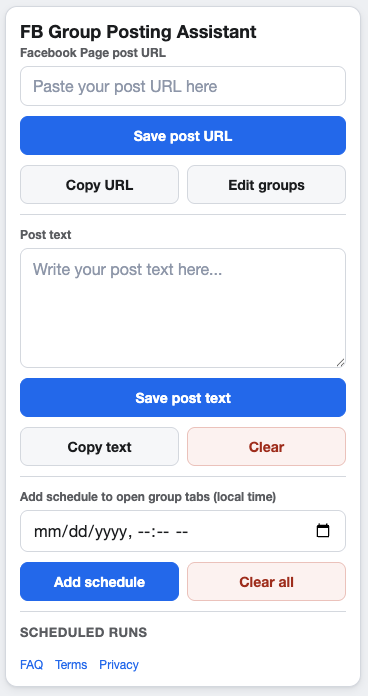
Manual notes help turn each campaign into a better next campaign.
What to track after a campaign
- Campaign name and Page post URL.
- Groups selected for the run.
- Schedule window and pacing settings.
- Groups where the post fit well.
- Groups where rules, response, or relevance need review.
- Follow-up tasks before the next campaign.
Review group feedback, not just activity
Useful tracking looks at quality. Did the post feel welcome? Did people ask relevant questions? Did a group admin provide guidance? Did the post belong in that community?
Those answers are more useful than counting activity without context.
Use notes to improve the next run
Update the group list
Remove weak-fit groups and add notes to groups with special rules. Your saved group list should get cleaner over time.
Update the timing
If a schedule was hard to monitor, choose a better window next time. If feedback came in quickly, assign a follow-up owner before the run.
Update the supporting text
Rewrite vague text into clearer audience-specific context. The post text examples guide can help.
FAQ
Does GetBuildMint include a reporting dashboard?
The site describes campaign setup, saved groups, schedules, and pacing controls. Treat performance review as a manual process unless your own workflow adds separate reporting.
How soon should I review results?
Review soon enough to catch questions, moderation issues, and group-specific notes while the campaign is still fresh.
Run campaigns you can review and improve
GetBuildMint keeps campaign details, groups, schedules, and pacing settings organized so your manual review starts from a cleaner workflow.