
How to Organize Facebook Group URLs for Posting Campaigns
Organized Facebook group URLs make campaign planning faster and safer. Instead of digging through bookmarks or old spreadsheets, keep a clean list with labels, notes, and review habits so every campaign starts from groups that still fit.
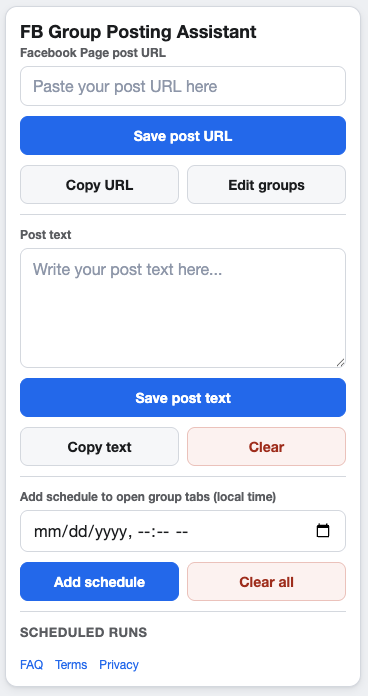
A clean group list is one of the simplest ways to improve campaign quality.
Why group URL organization matters
A campaign is only as good as its selected groups. If the list includes outdated, irrelevant, or duplicate group URLs, the posting workflow becomes harder to trust.
What to save with each group URL
- A clear label that a teammate can understand.
- Notes about topic, location, audience, or rules.
- Whether the group fits local, launch, service, or recurring updates.
- Any reason the group should be paused or removed later.
Segment groups by campaign type
Local groups
Use these for location-specific offers, events, and service updates.
Interest groups
Use these only when the Page post is directly relevant to the group’s topic.
Client or brand groups
Agencies and multi-brand teams should keep notes that prevent client lists from blending together.
Review the list before scheduling
Check that every selected group still allows the post type, still fits the campaign, and still deserves to be included. Follow Meta’s current policies and each group’s rules before any campaign runs.
FAQ
Should I save every Facebook group I find?
No. Save groups that have a clear reason to be part of a campaign. A smaller qualified list is easier to use.
How often should I clean the list?
Review selected groups before every campaign and do a full cleanup whenever your strategy changes.
Save group URLs where you run campaigns
GetBuildMint includes saved Facebook group URLs with labels and notes, so campaigns can start from an organized list instead of scattered bookmarks.