
How to Review Facebook Group Rules Before Scheduling Posts
Reviewing Facebook group rules before posting protects the quality of your campaign. The goal is simple: share only where the topic fits, the group allows the format, and your team can respect both Meta’s current policies and the group’s own expectations.
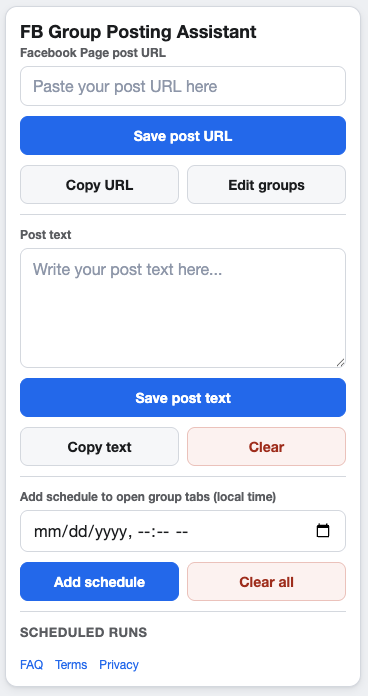
Group rules should shape the campaign before scheduling starts.
Why group rules belong in the planning step
Automation does not make an irrelevant post appropriate. Before you save or select a group, check whether the group allows Page post sharing, promotional updates, links, local offers, or repeated posting.
This check fits naturally before the broader Facebook Group Posting Checklist.
Facebook group rules checklist
- Read the group description and pinned rules.
- Look for limits on promotional posts, links, Page posts, or business posts.
- Check whether posts need admin approval.
- Confirm whether certain days or threads are required for promotions.
- Remove groups where the campaign topic is not a clear fit.
- Follow Meta’s current platform policies and applicable posting limits.
How to store rule notes
Keep short notes next to each saved group URL: topic fit, allowed post types, timing preferences, and any approval requirements. These notes are especially useful when you revisit a campaign weeks later.
Useful note examples
- Local services only, no national offers.
- Promotions allowed on Fridays.
- Admin approval likely, monitor after posting.
- Educational posts only, avoid sales wording.
When to remove a group from a campaign
Remove a group when the rules have changed, the audience is not relevant, past posts received poor response, or the campaign would need too much rewriting to fit. A smaller approved group list usually creates a cleaner workflow.
FAQ
How often should I review group rules?
Review rules before every new campaign and whenever you reuse an old group list. Group expectations can change.
Can pacing replace rule review?
No. Pacing controls timing, but rules determine whether the post belongs in the group at all.
Keep group lists easier to review
GetBuildMint lets you save group URLs with descriptions, choose the right groups per campaign, and schedule posting workflows from Chrome.